
How to Delete a Resource?
Updated May 13, 2026 at 11:36 AM
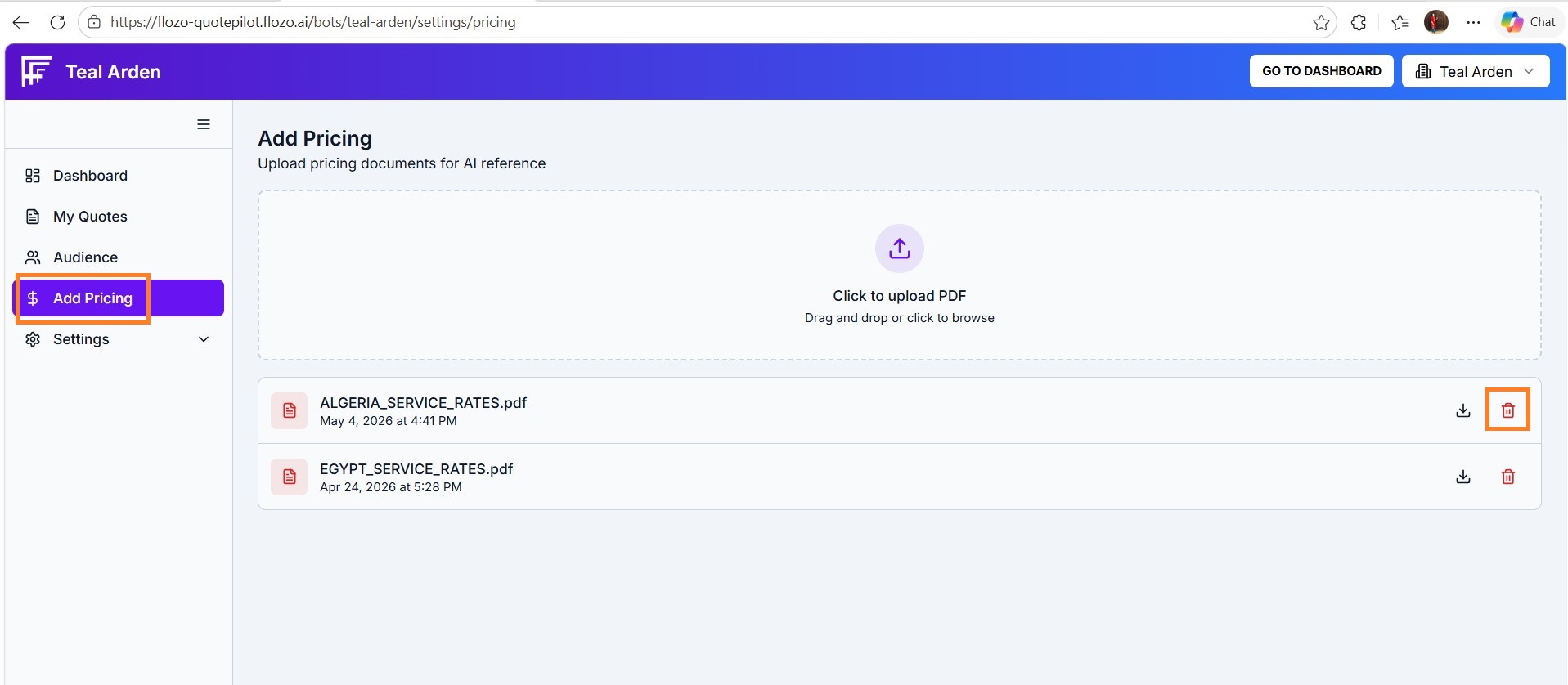
From the main Navigation menu, go to Add Pricing.
Locate the resource you want to remove in the list.
Click the Bin icon associated with that file.
Confirm the deletion in the pop-up prompt by clicking Delete.
The file will be permanently removed from the resource list.