
How to Delete an Existing AI Agent?
Updated May 13, 2026 at 11:38 AM
On the dashboard, in the My Agents & Workflows section, locate the agent you want to delete.
Click the Bin icon and confirm the deletion action .
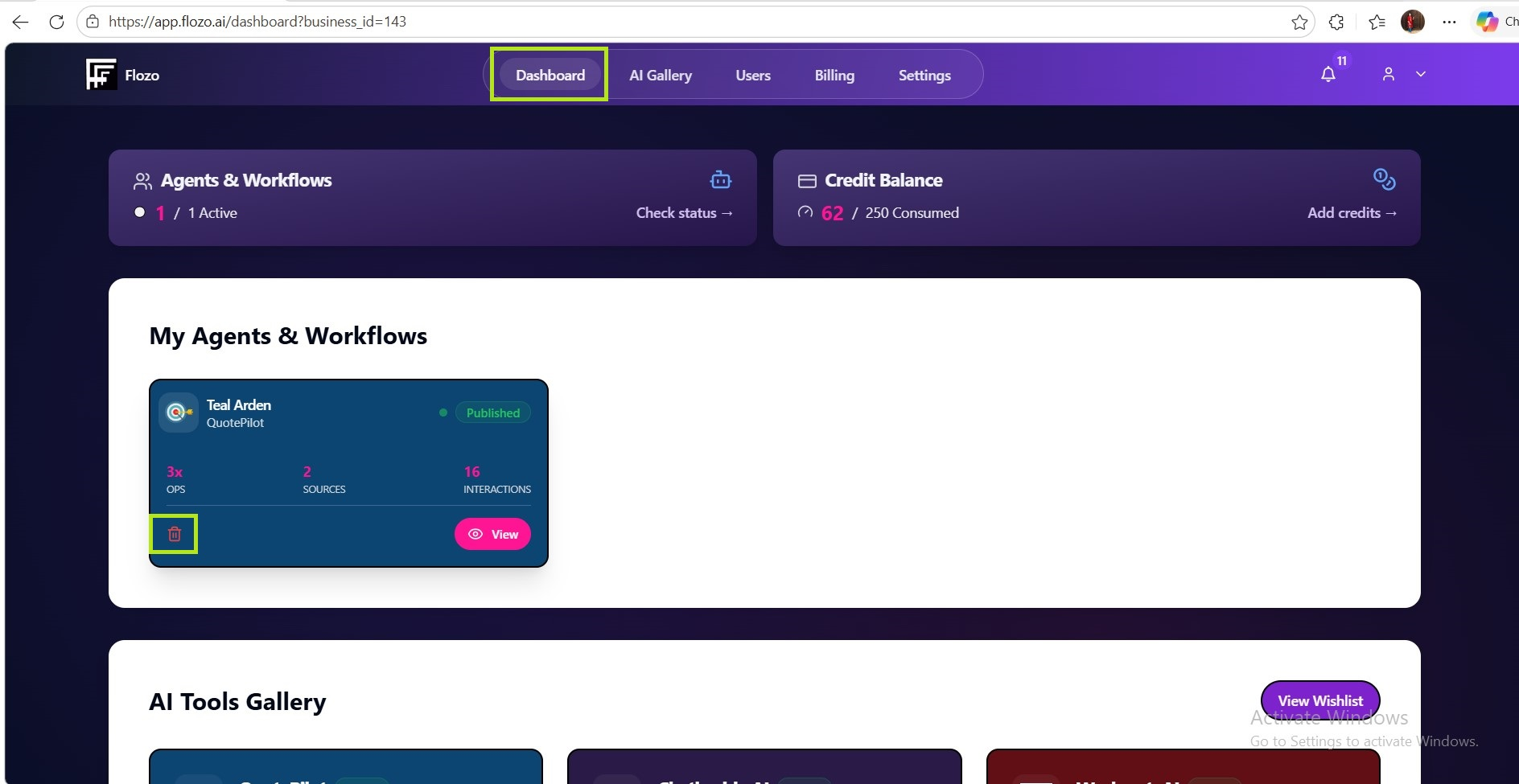
The Agent will be deleted and removed from the list.
Note: The agent must be in Draft status to be deleted. Published agents cannot be deleted.