
How to Integrate a Social Channel?
Updated May 14, 2026 at 4:17 AM
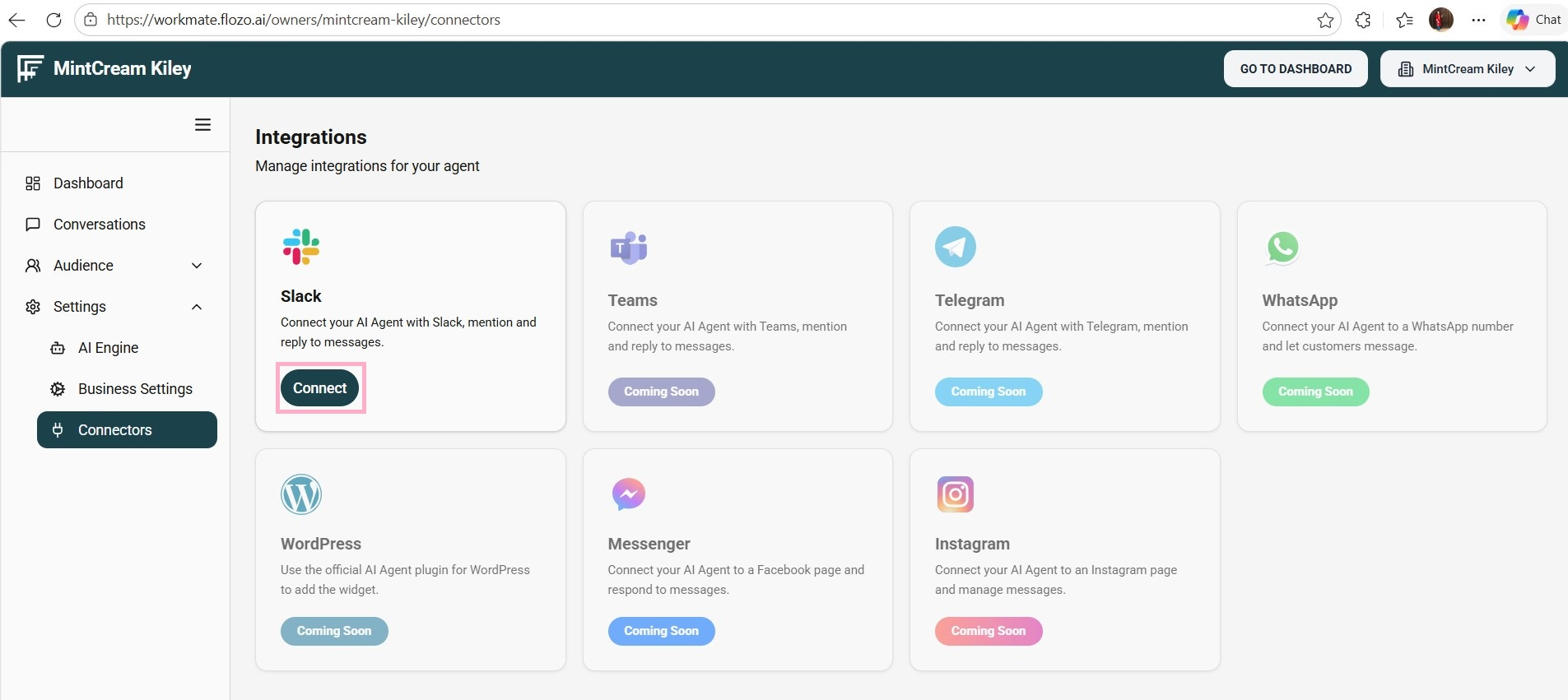
From the main navigation menu, select Settings > Connectors.
All supported social channels (e.g., Slack, Teams) will be listed with a Connect option.
Click Connect under the desired channel.
Sign in to your workspace by entering your Slack workspace URL and credentials, if prompted.
Click Continue to complete the process.
Note: The social channel will be connected to your system. Its status will change to Connected on the Connectors page and will also appear under Activated Integrations in the Deploy tab of the AI Engine.