
How to Start a WebChat Session?
Updated May 14, 2026 at 5:05 AM
From the main navigation menu, go to Settings > General.
Under the AI Agent Setup section, locate the Web Chat URL.
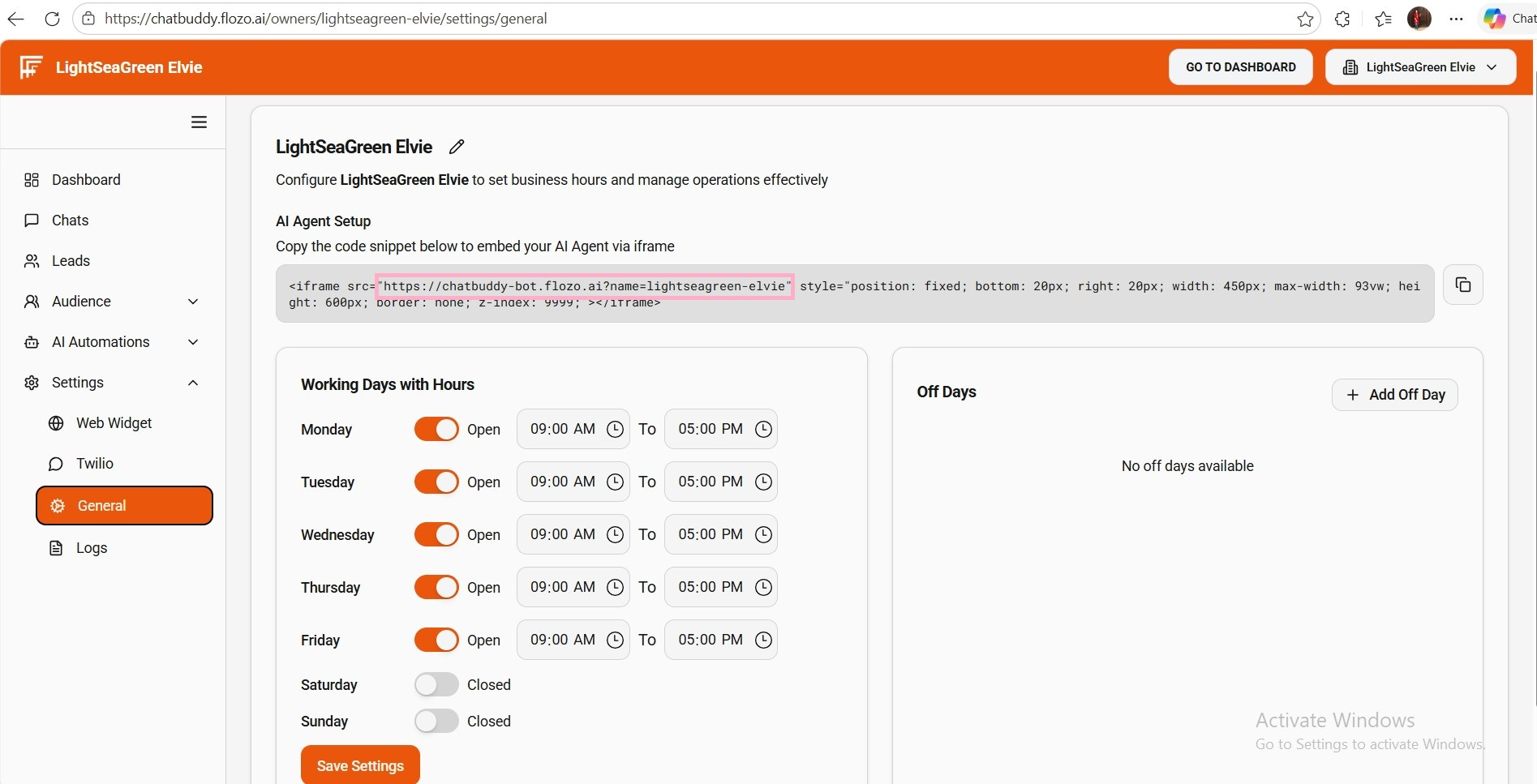
Copy the URL and open it in an incognito window.
When prompted, enter your Name and Contact details.
Click Start Chat to initiate the chat and interact with the bot.
Note: Users who start a session via Web Chat will be automatically added to the Contacts list.