
How to Add a New Automation Rule?
Updated May 14, 2026 at 4:29 AM
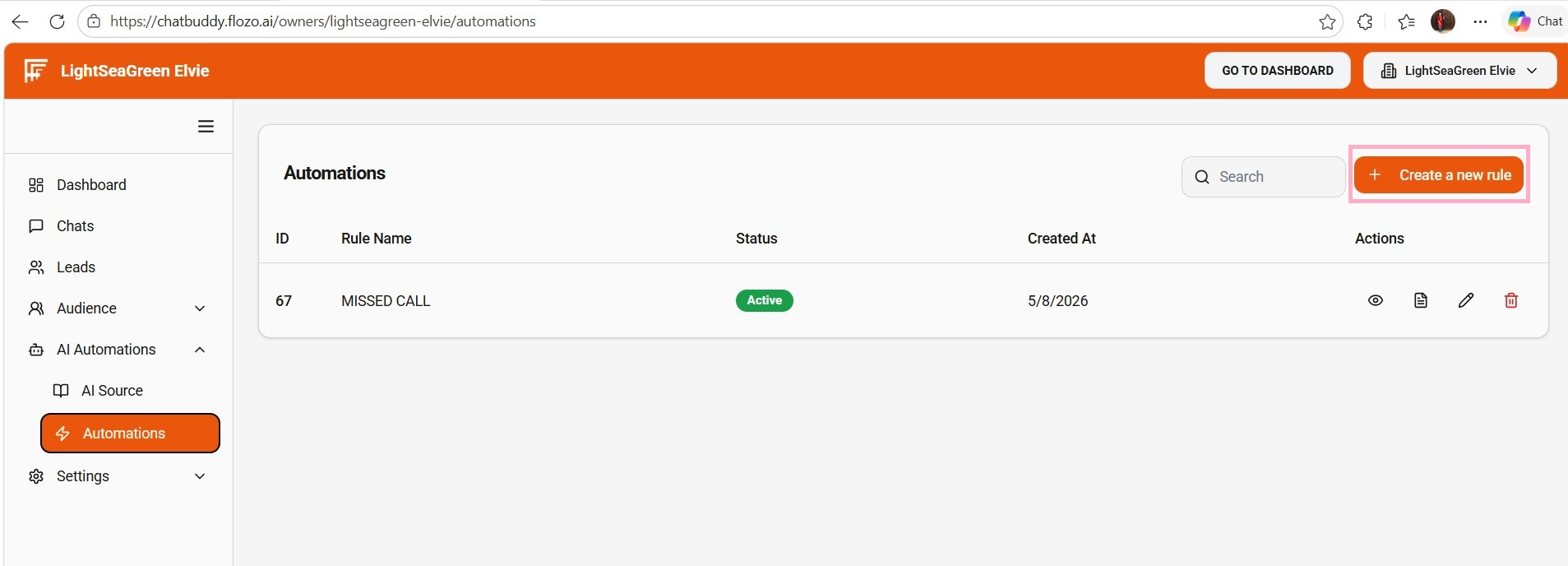
From the main navigation menu, go to AI Automations > Automations.
Click +Create a New Rule.
Fill the following fields:
Rule Name
Select numbers: Choose from the dropdown (only numbers configured in Twilio settings will appear).
Forward number: Enter the number to which calls/messages should be forwarded.
Response: Enter the automatic reply that will be sent.
Additional Actions (optional): Select a list if you want the rule applied to all contacts in that list.
Click Submit.
The rule will be added to the Rules list.
Note: Newly created rules are Active by default.