
How to Update Agent Status?
Updated May 14, 2026 at 5:01 AM
On the Dashboard, locate the Agent Status Toggle in the top-right corner.
Use the toggle to switch the agent between Draft and Published status.
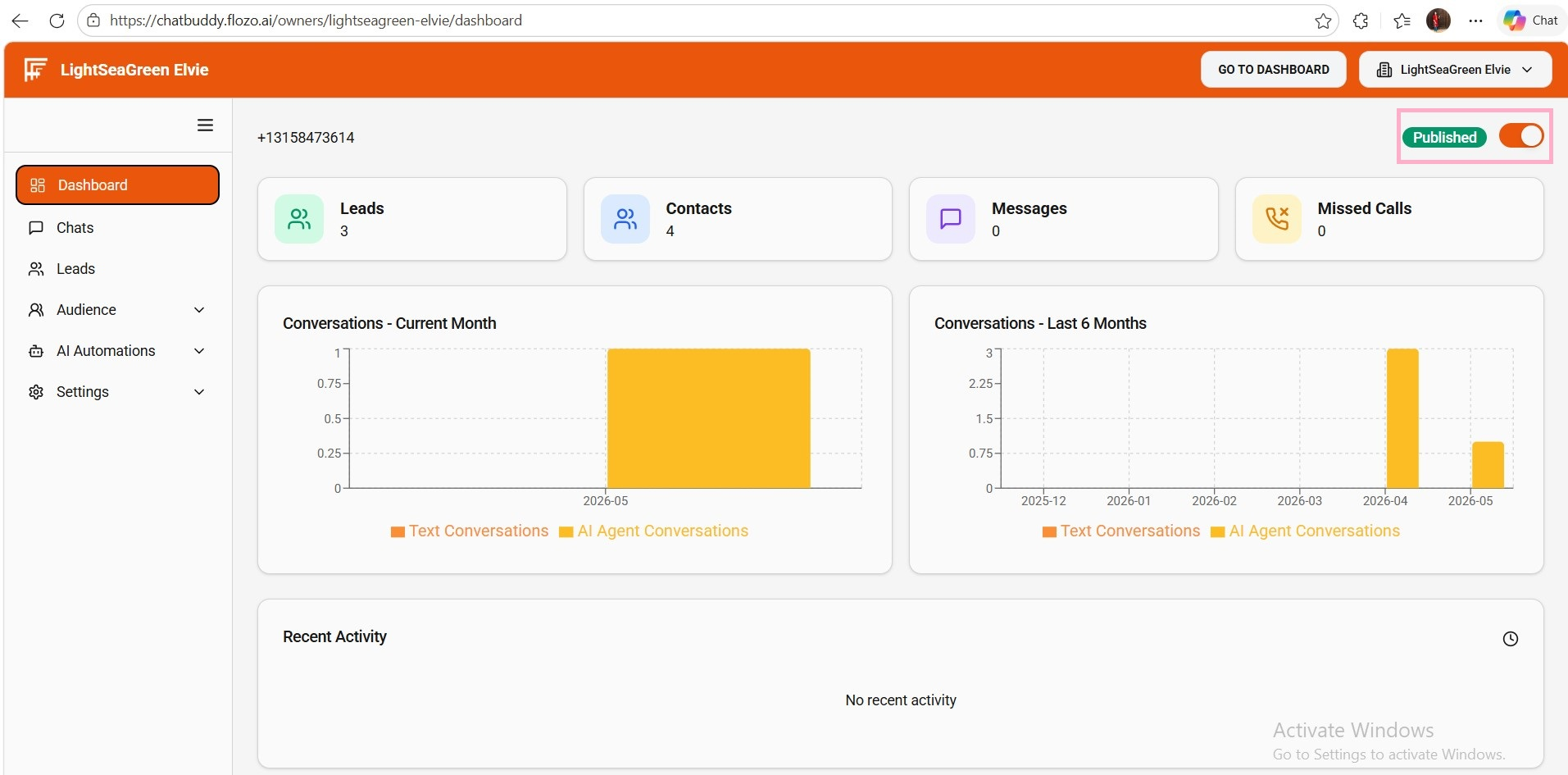
The agent can only be published once all required setup checklist steps are completed.
Note: Webchat and Twilio SMS/Call features will only function when the agent is in the Published state.