
How to View an Existing Rule?
Updated May 13, 2026 at 8:42 AM
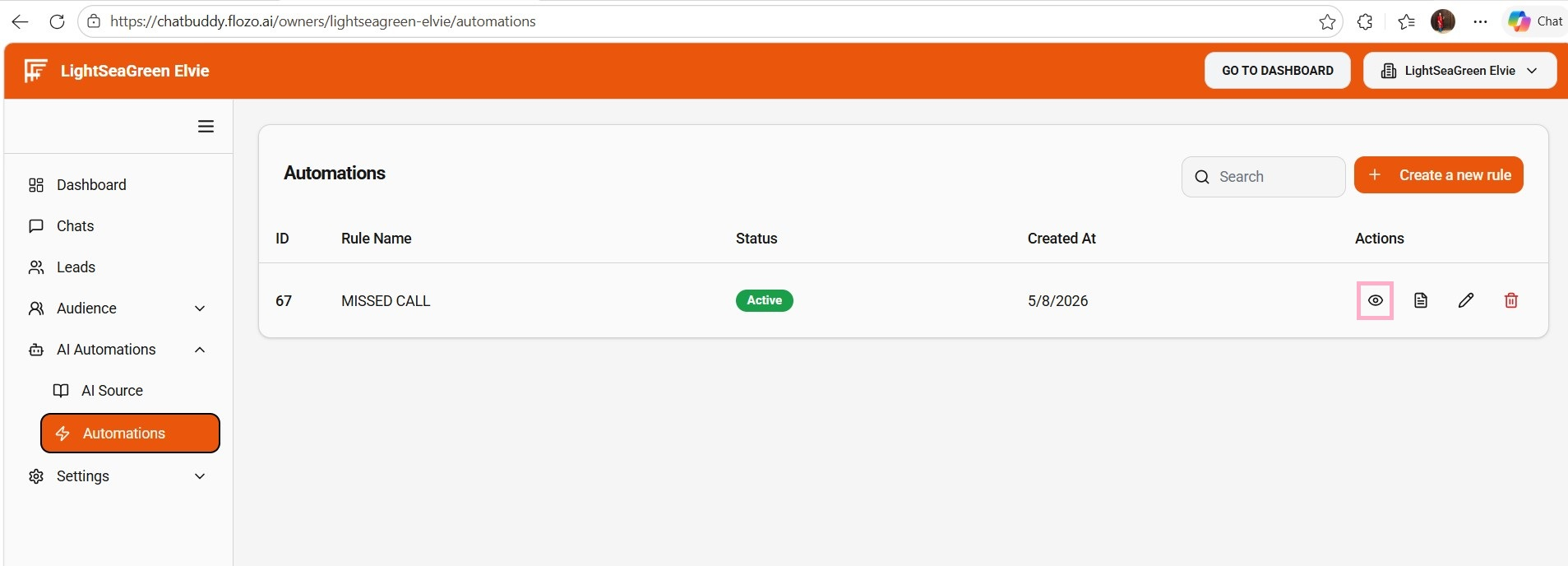
From the main navigation menu, go to AI Automations > Automations.
The created rule is displayed on the Automations Page.
Click the Eye icon under the Actions column next to the desired rule.
A modal opens showing all the rule details configured at the time of creation.