
How to Send a Quote?
Updated May 13, 2026 at 11:45 AM
Navigate to My Quotes from the main menu.
Open any In Progress request.
Review the AI generated quote.
Click Send Quote to deliver it to the associated email.
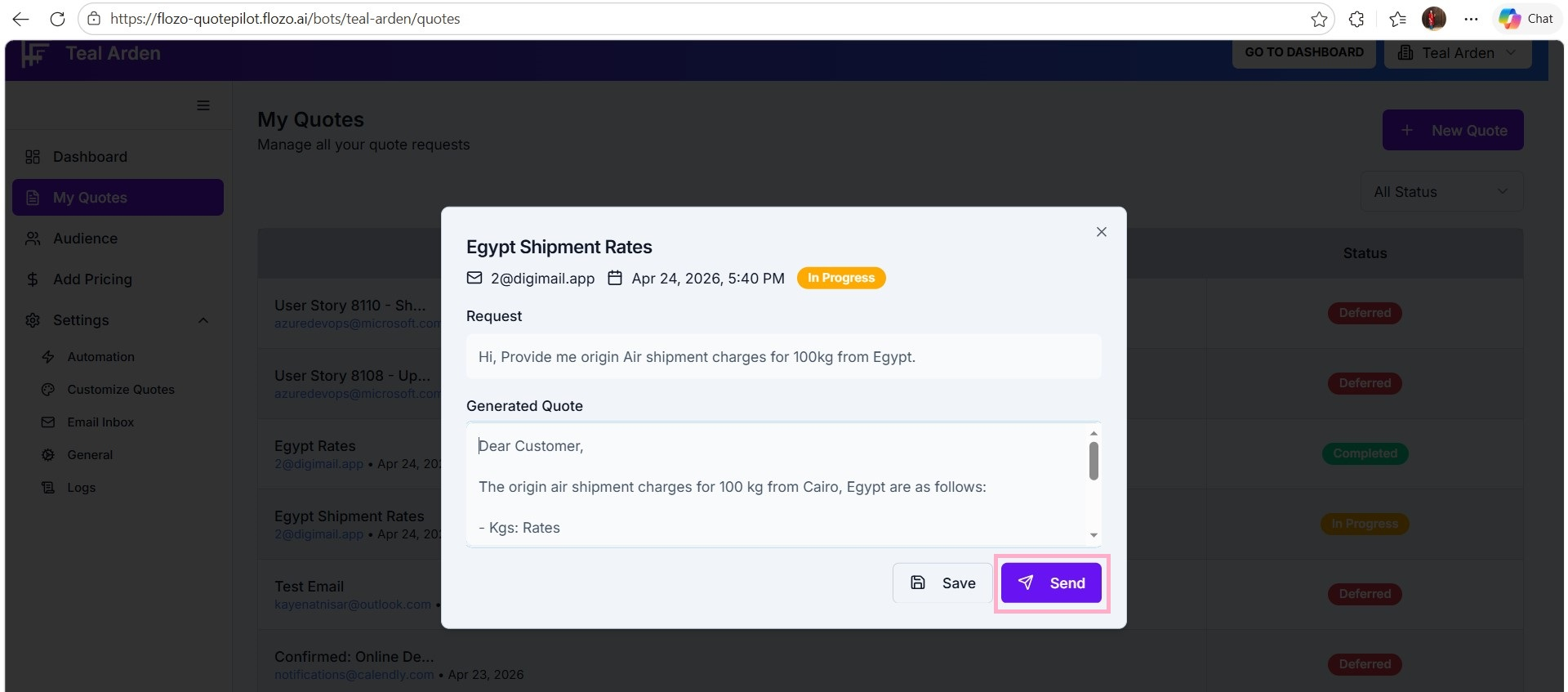
Note: Quotes can only be sent for emails in the In Progress status, and the Automation Behavior must be set to Semi-Automated to enable sending quotes.