
How to Customize the AI Prompt?
Updated May 13, 2026 at 11:44 AM
From the main Navigation menu, go to Settings > Customize Quotes.
In the Prompt Editor, a default prompt is already provided.
Update or customize the prompt to define the AI’s quoting style, tone, behavior and response instructions as required.
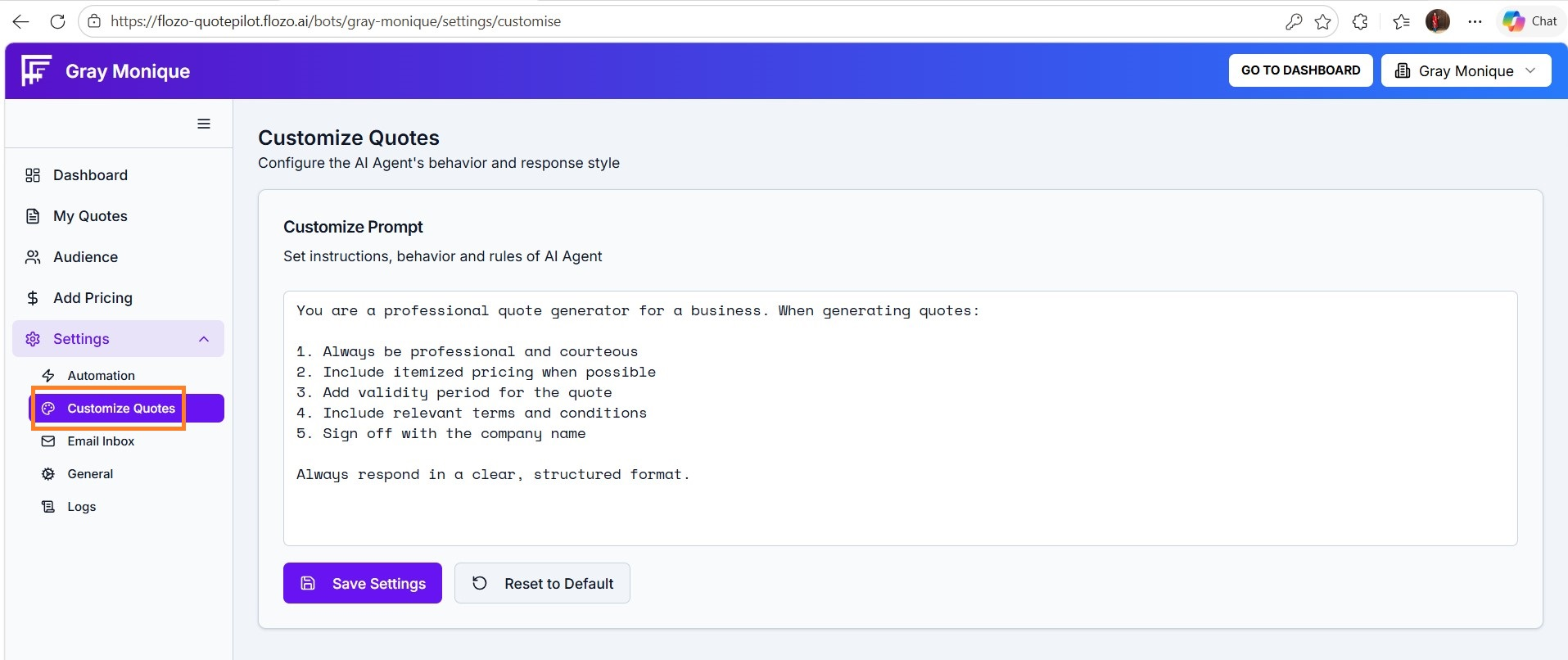
Click Save Settings to apply the changes.
To restore the original prompt, click the Reset to Default button.
A confirmation message will appear once the prompt has been updated successfully.