
How to Configure Business Working Days?
Updated May 13, 2026 at 11:43 AM
From the main Navigation menu, go to Settings > General.
Navigate to the Business Working Days section.
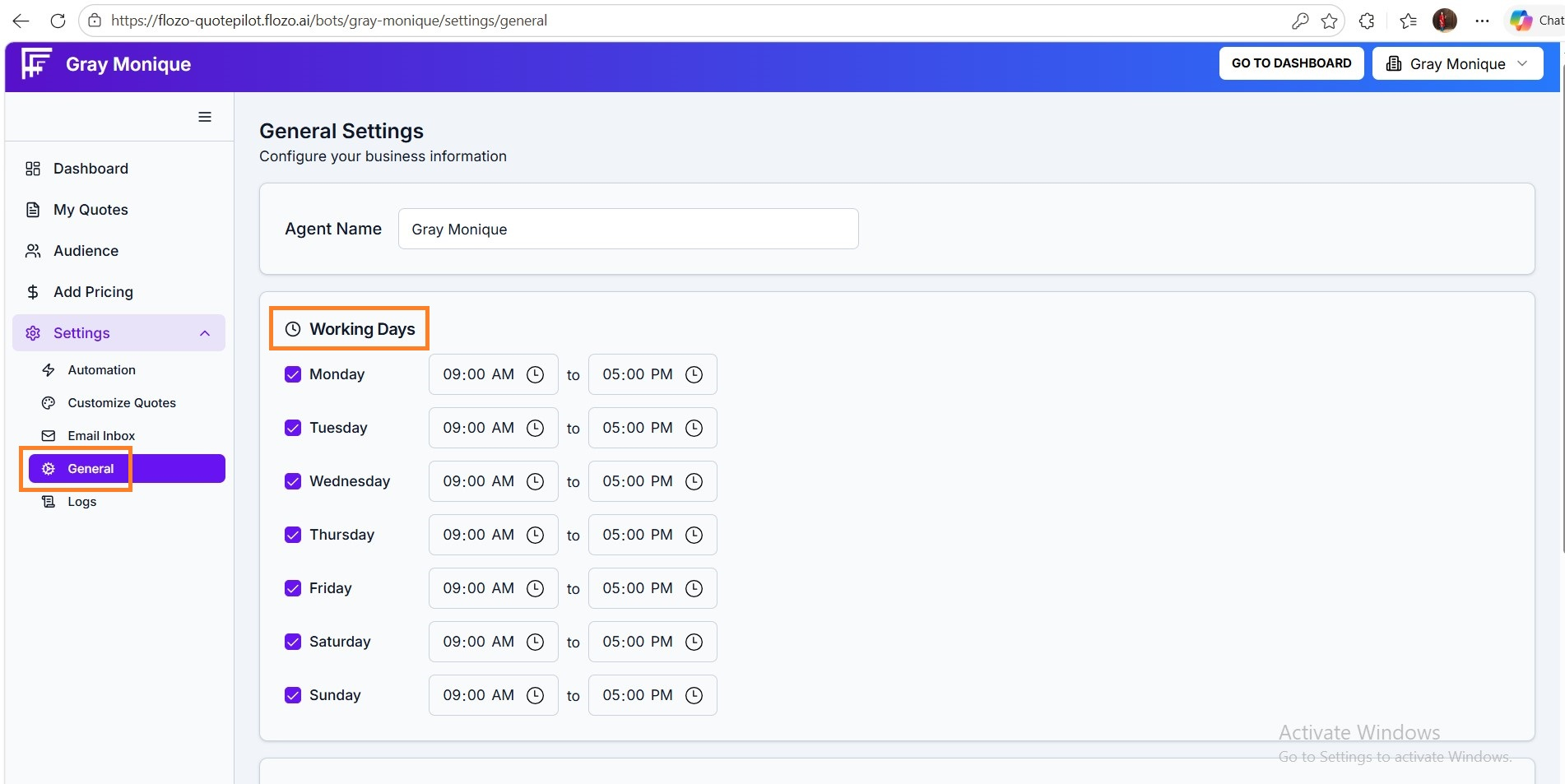
Select the active working days for your business.
Set the Start & End time for each selected day.
Click Save Settings to update your working schedule.
Note: Email processing in the system will follow the configured working days and hours.