
How to Upload Business Logo?
Updated May 13, 2026 at 11:42 AM
From the top menu, go to Settings.
In the logo field, upload the Business Logo.
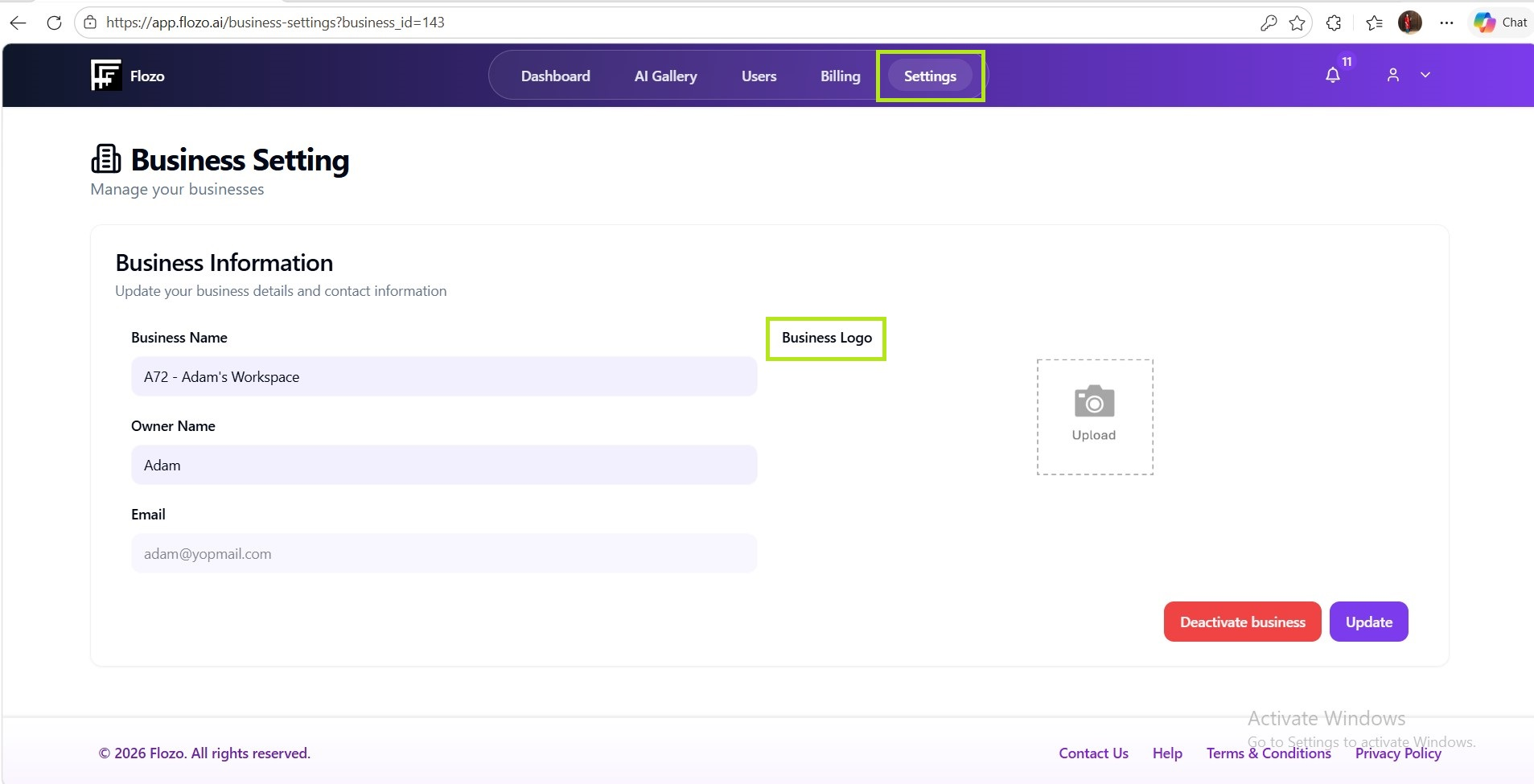
Click Update.
The uploaded logo will be displayed wherever the business logo is used in the system.
From the top menu, go to Settings.
In the logo field, upload the Business Logo.
Click Update.
The uploaded logo will be displayed wherever the business logo is used in the system.