
How to Access the Business Owner Dashboard?
Updated May 13, 2026 at 11:38 AM
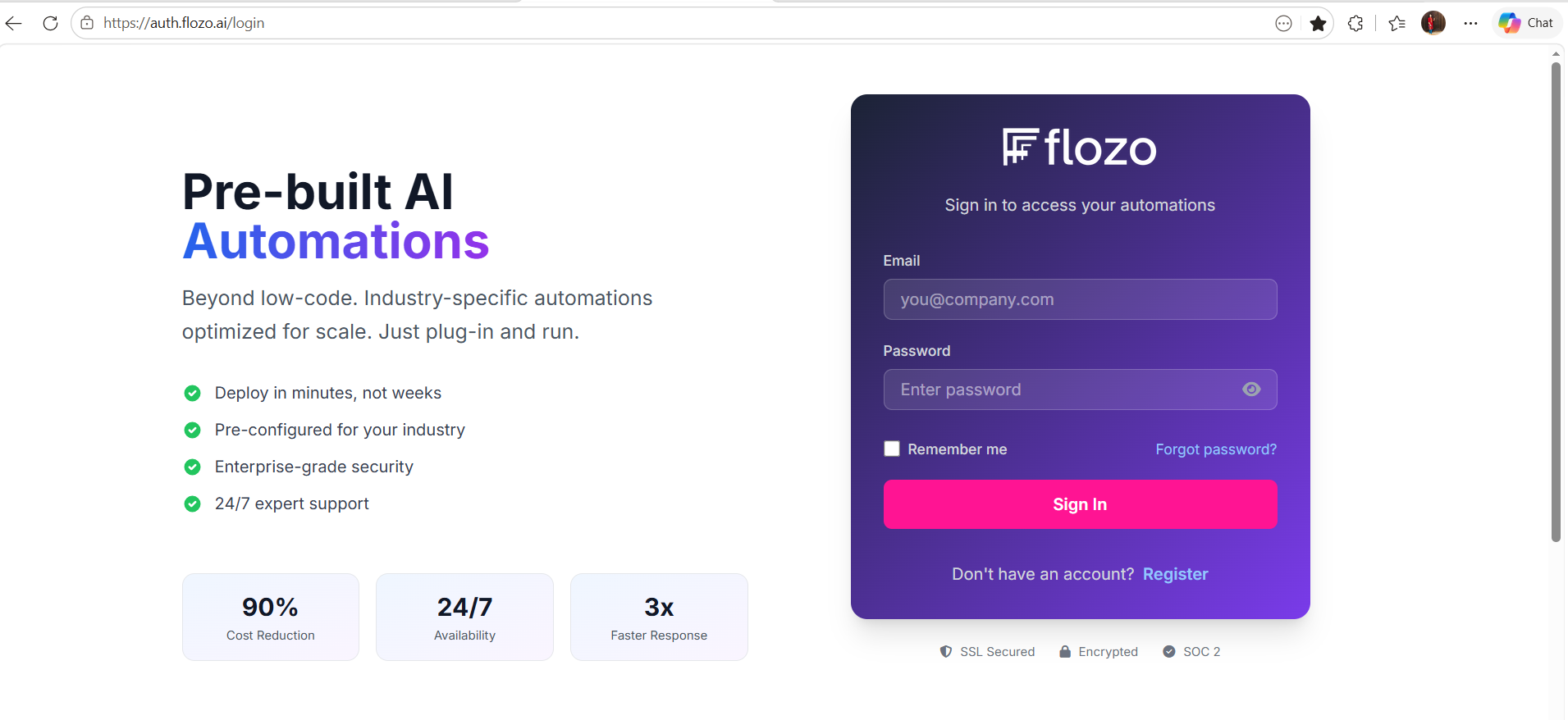
Open the Flozo URL to access the login page.
Login using the email and password you created during registration.
Note: Only authorized users can access the dashboard.
Open the Flozo URL to access the login page.
Login using the email and password you created during registration.
Note: Only authorized users can access the dashboard.