
How to Buy Extra Credits?
Updated May 14, 2026 at 4:24 AM
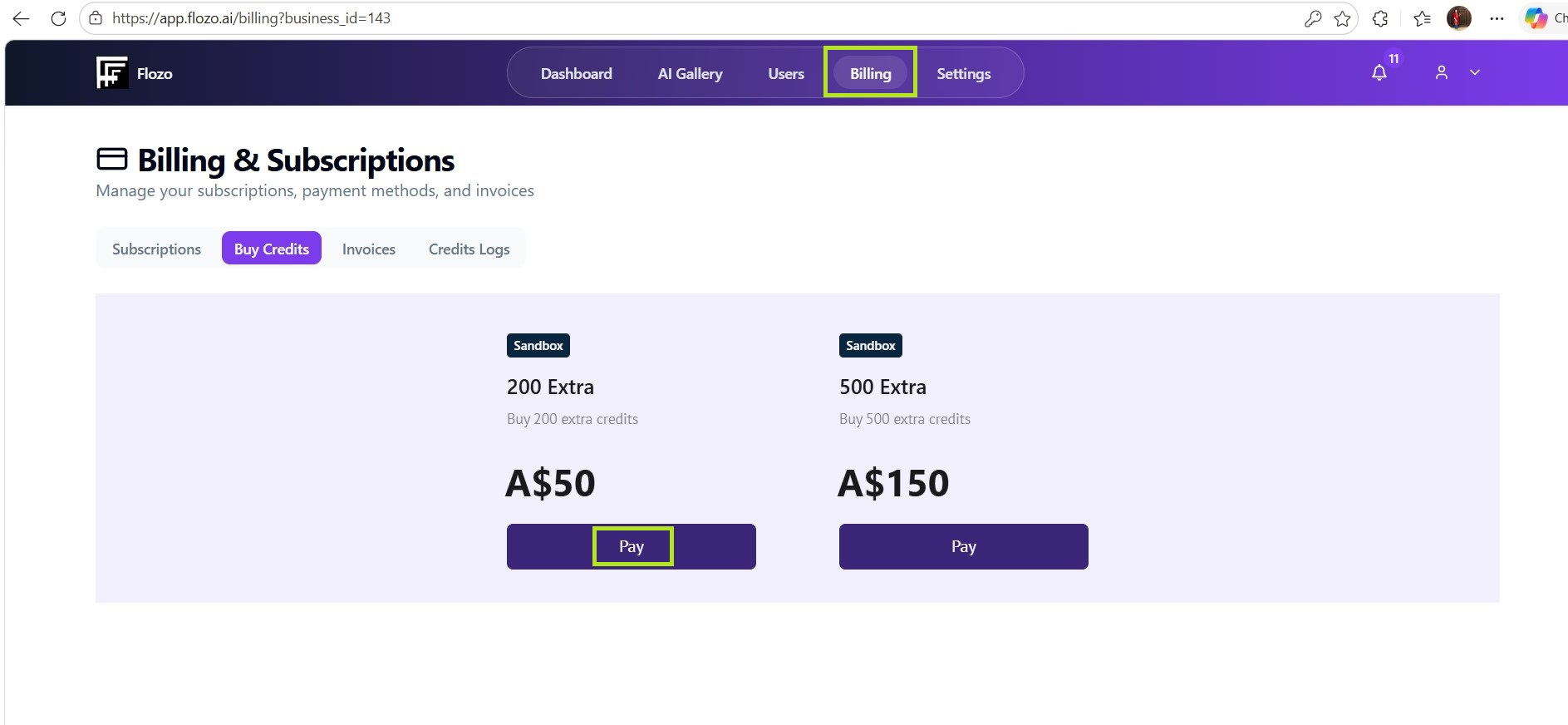
Navigate to Billing from the top menu.
Go to the Buy Credits tab.
Available credit packages will be listed with their pricing.
Click Pay under the package you want to purchase.
You will be redirected to the Stripe payment page.
Enter your card details and click Pay.
Purchased credits will be added to your business account and will appear on the dashboard as well as in the Credit Logs.