
How to Delete an Auto Response?
Updated May 14, 2026 at 4:39 AM
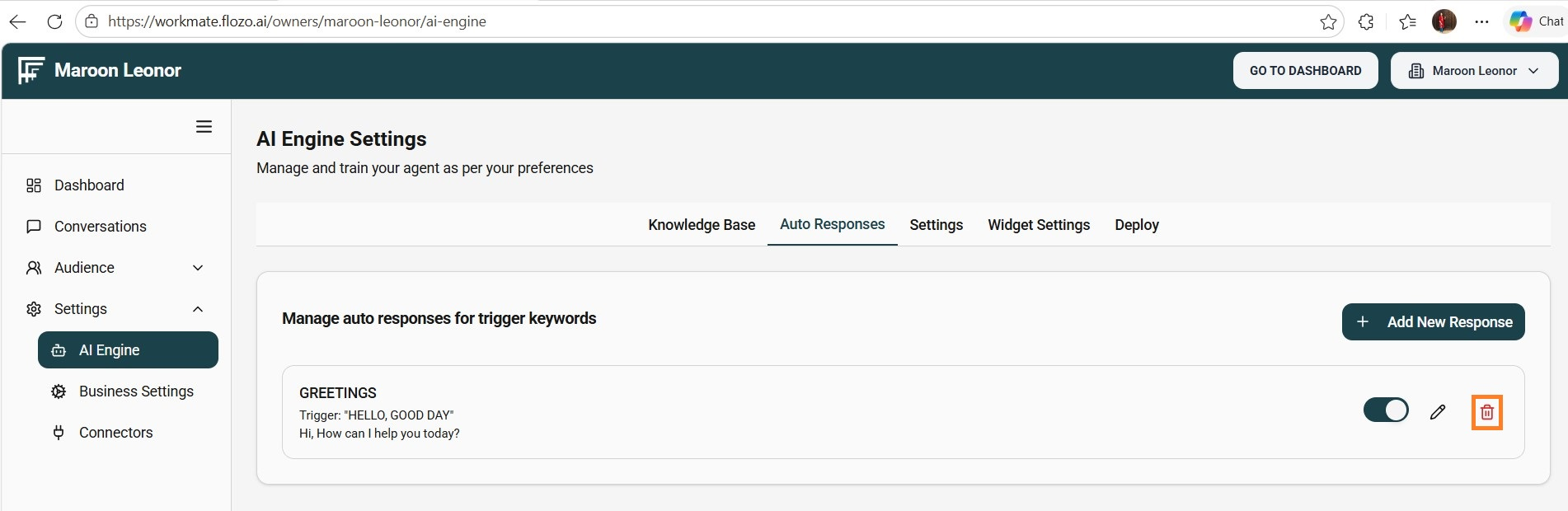
From the main navigation menu, select Settings > AI Engine.
Open the Auto Responses tab.
Locate the response you want to delete.
Click the Bin (Delete) icon next to it.
Confirm the deletion in the confirmation dialog.
Note: The auto response will be removed and no longer used in any chat.