
How to Edit an Existing List?
Updated May 13, 2026 at 8:59 AM
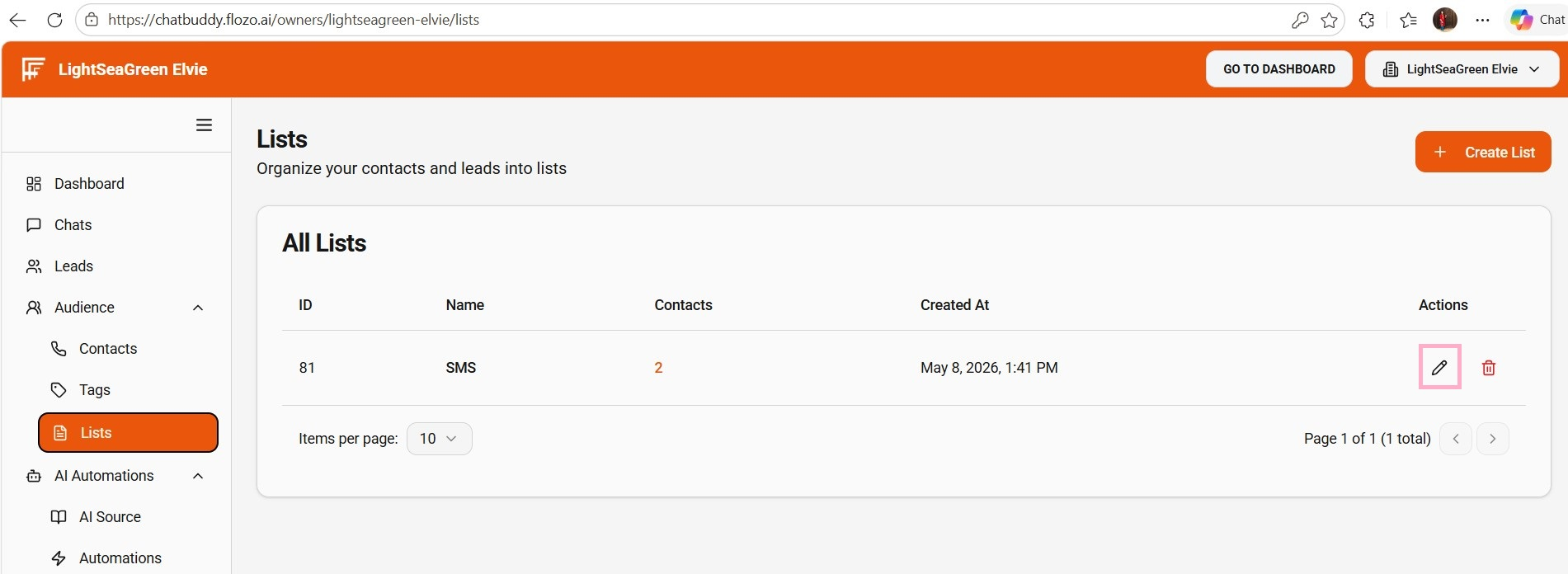
From the main navigation menu, select Audience > Lists.
Review all the existing Lists.
Click the Edit icon next to the list you want to rename.
Update the List Name.
Click Submit.
The list name will be updated.