
How to Edit an Existing Rule?
Updated May 13, 2026 at 8:43 AM
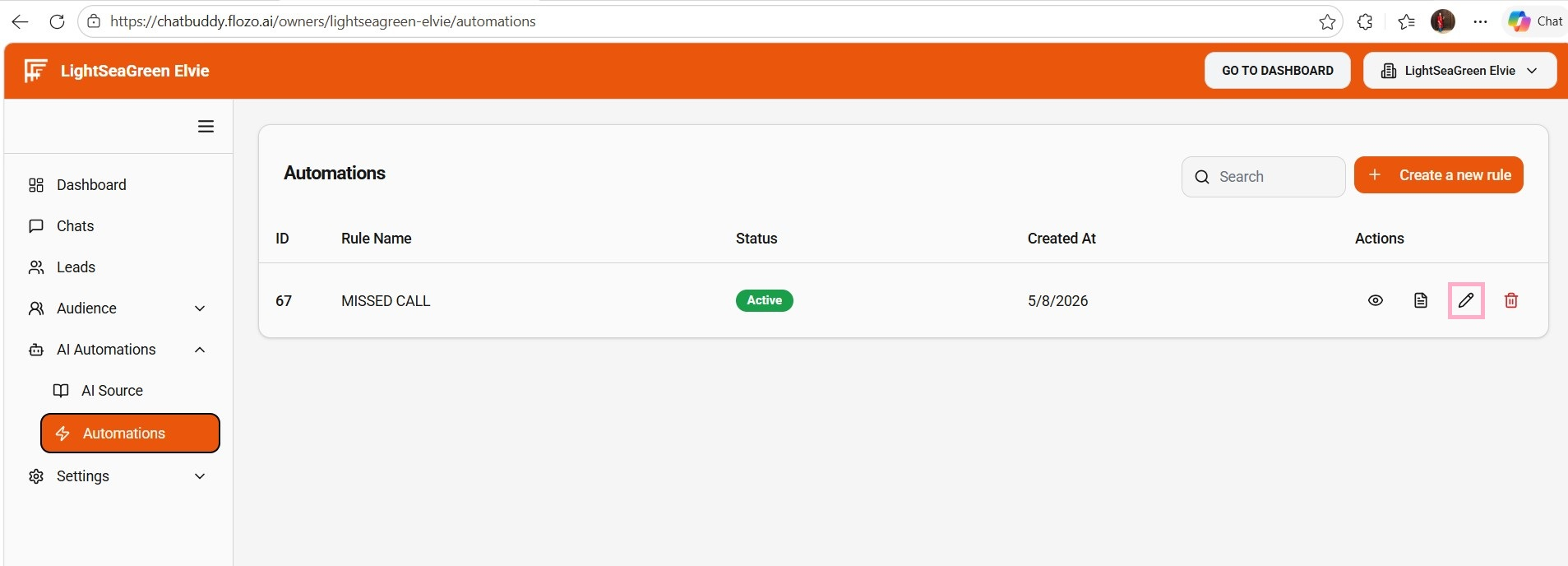
From the main navigation menu, go to AI Automations > Automations.
The created rule is displayed on the Automations Page.
Click the Pen icon under the Actions column next to the desired rule.
Update the required fields.
Click Submit.
The rule list will be updated with your changes.