
How to Setup Outlook Integration?
Updated May 13, 2026 at 11:38 AM
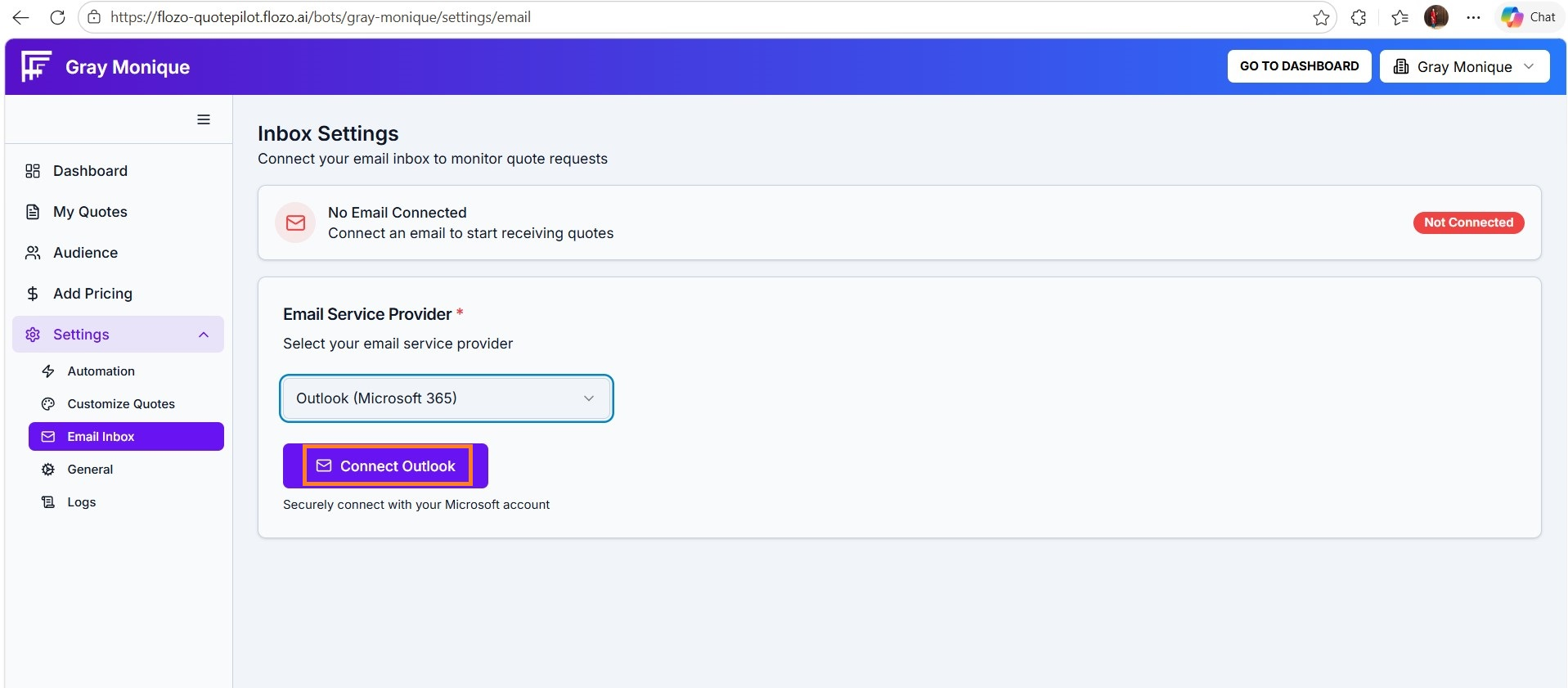
In Inbox Settings, select Outlook (Microsoft 365) as your email service provider.
Click Connect Outlook.
Select your Outlook account.
Click Continue.
On the permission screen. Click Accept to grant access.
A success message will confirm that Outlook is connected.
Your Outlook email address will appear in the Connected Email field.
Note: All inbound emails will be received on the connected Outlook account, and all customer communications will be sent through the same Outlook account.